AudioTidy
Audio tools that run in your browser.
A browser-based toolkit for editing, converting, recording, and transcribing audio.
Visit AudioTidy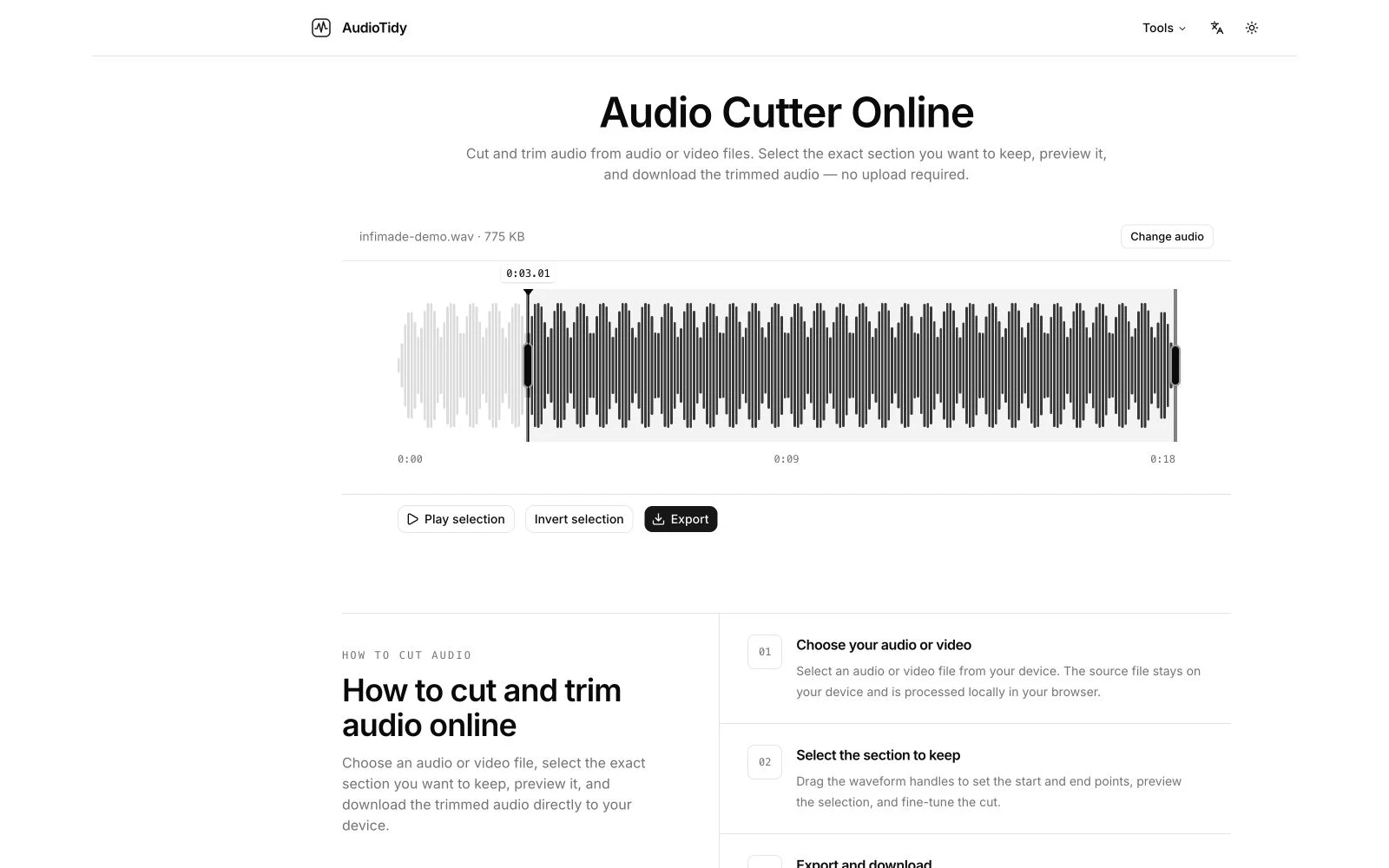
A focused toolkit for everyday audio tasks.
A small audio task can be inconvenient when it requires installing and learning a full editing application. AudioTidy brings common operations into the browser, with a focused interface for each task.
The product combines local audio editing with cloud-based transcription. It is an active project and the current focus of Infimade.
What it does
Edit and arrange
Cut clips, join files, reverse audio, and adjust playback speed or volume.
Audio Cutter · Audio Joiner · Audio Reverser · Audio Speed Changer · Audio Volume Changer
Convert and extract
Convert audio formats, compress files, and extract audio from video.
Audio Converter · Audio Compressor · Audio Extractor
Record and transcribe
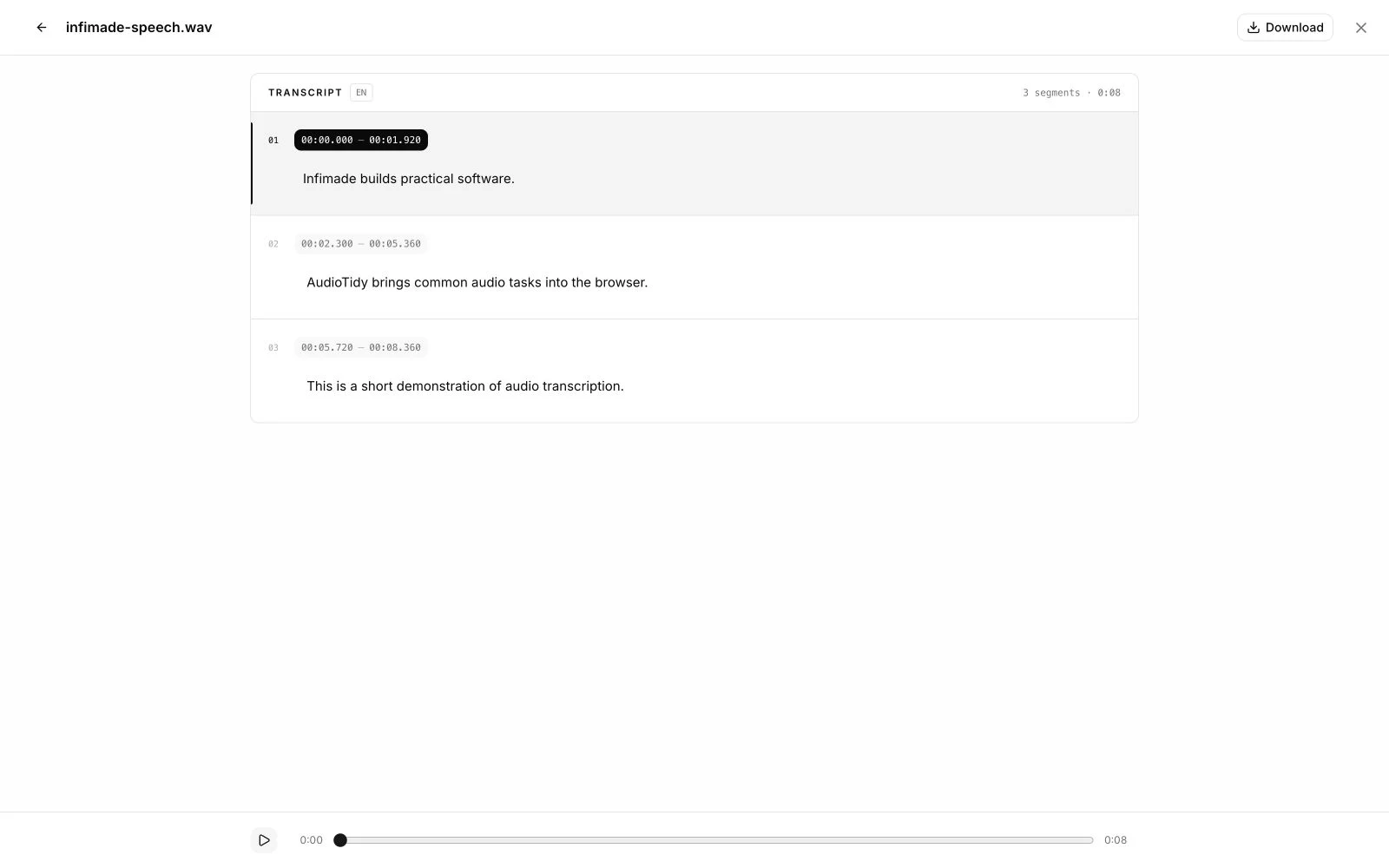
Record voice in the browser and turn audio into text.
Voice Recorder · Audio to Text
A look inside
Built around the browser.
Interface
Audio processing
Infrastructure
Next.js, React, and TypeScript provide the application structure. FFmpeg and WebAssembly support audio processing in the browser, while Cloudflare supports hosting and cloud transcription.
Browser processing keeps editing close to the user’s files. It also means performance depends on the device, browser, and available memory.
Local editing. Cloud transcription.
Audio editing is handled locally in the browser. Audio to Text uploads the selected file for cloud processing when transcription is started.
The product website explains processing, supported formats, and current limits for each tool.